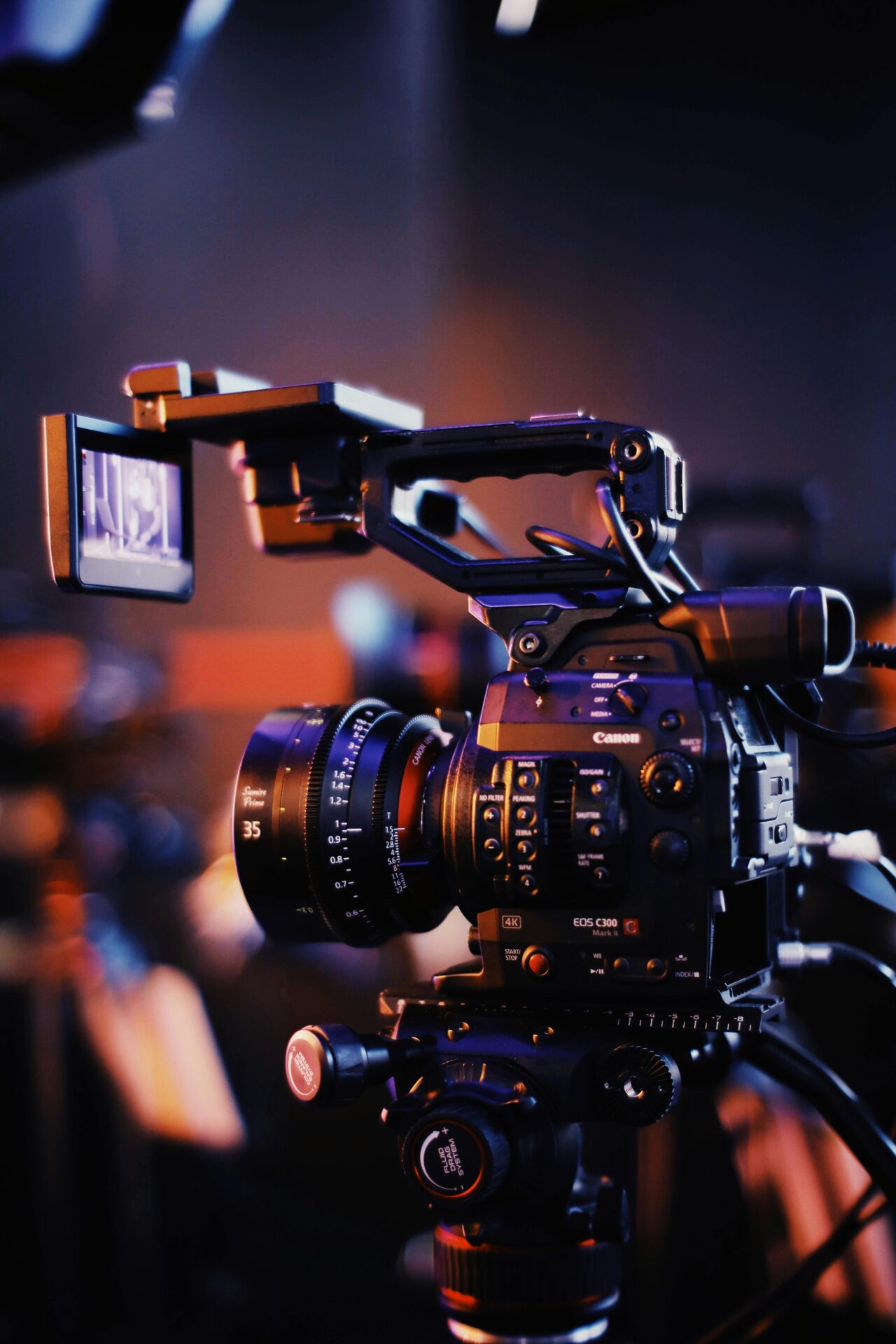
In the world of modern content creation, few debates ignite as much passion as the question of whether to upgrade your camera or your computer first. Every photographer, videographer, and editor eventually faces this fork in the road. Do you spend your budget on sharper lenses, higher resolutions, and better dynamic range? Or do you funnel those funds into faster processors, more RAM, and powerful GPUs to make editing smoother and rendering faster? The answer, as with most things in creative work, depends not only on what you shoot—but also on how you work.
The dilemma exists because both sides of the equation—the camera and the computer—are critical parts of the creative process. The camera is where ideas begin. It captures the light, the emotion, and the raw data that form the foundation of your vision. The computer, on the other hand, is where those ideas are shaped, refined, and transformed into final masterpieces. One creates; the other perfects. Balancing investment between the two is a constant challenge, especially as technology evolves at breakneck speed.
Modern cameras are marvels of engineering. Even entry-level models can now shoot in 4K or 6K, with incredible color depth and detail. However, all that image quality comes at a cost: enormous file sizes and demanding codecs. If your editing system can’t handle the data, your workflow grinds to a halt. This is especially true when shooting outdoor scenes in harsh conditions, such as capturing models in winter apparel. A powerful camera without a capable editing setup can be more of a burden than a benefit. Conversely, a high-end workstation can’t perform miracles on mediocre footage or stills. There’s only so much dynamic range or sharpness you can recover in post.
The tension between capture and computation reflects a broader shift in creative industries. As content moves toward higher resolutions, HDR workflows, and computational imaging, the boundaries between shooting and editing blur. Today’s creators need to think of their camera and computer as one ecosystem, not separate investments. Choosing when and what to upgrade requires understanding how both tools influence the quality, speed, and efficiency of your creative output.
Ultimately, the smartest upgrade is the one that removes the bottleneck in your creative process. Whether that’s your aging CPU or your outdated camera sensor depends entirely on where your current limitations lie. The following sections break down how to identify those limitations and how to invest strategically to get the most out of your craft.
Understanding the Creative Bottleneck: Where Does the Lag Begin?
Before deciding whether to upgrade your PC or your camera, you must first identify where the true bottleneck in your workflow exists. It’s tempting to assume that newer gear will automatically improve your results, but the most expensive equipment in the world won’t help if it doesn’t solve the problem that’s actually slowing you down. The first step, therefore, is diagnosing your workflow.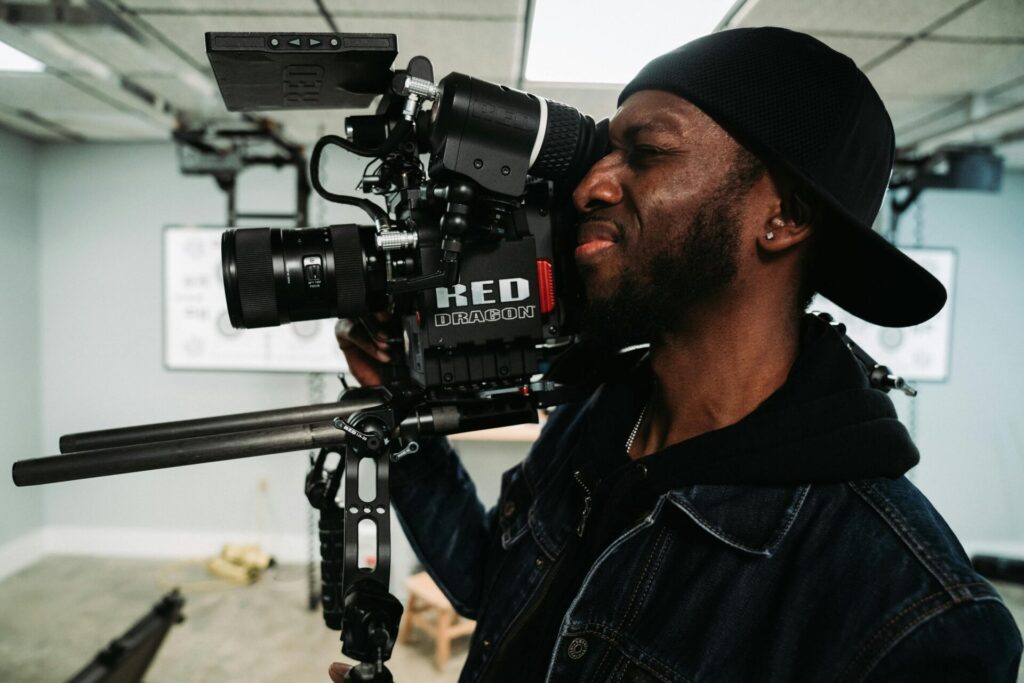
For many creators, the bottleneck becomes obvious during editing or rendering. Lagging playback, dropped frames, or painfully slow exports are clear signs that your computer is struggling to keep up. Modern editing software like Adobe Premiere Pro, DaVinci Resolve, and Final Cut Pro can be brutally demanding. High-resolution footage (especially 10-bit 4:2:2 codecs or RAW video) requires massive processing power and fast storage. If your timeline constantly stutters or your render times stretch into hours, your editing system is holding you back.
However, for other creators, the problem lies at the capture stage. If your camera can’t deliver the level of quality your work demands—whether that’s dynamic range, low-light performance, autofocus reliability, or resolution—then no amount of editing power will fix it. A weak source file limits your creative potential. Editing can only enhance what’s already there; it can’t manufacture detail that was never captured. In such cases, upgrading your camera may yield a far more noticeable improvement in final output quality.
To determine your true bottleneck, analyze your daily workflow. Ask yourself: Do I spend more time waiting for renders or fighting with footage? Do I lose time fixing poor exposure or color issues, or do I lose time waiting for my PC to process effects? Your answer reveals your priority. If your creative vision is limited by your tools during capture, a camera upgrade is logical. If your creativity is limited by technical sluggishness in post-production, your money is better spent on hardware performance.
There’s also the psychological factor. Slow editing systems can sap your motivation and creative energy. When your computer constantly lags, it interrupts your flow, discourages experimentation, and makes editing feel like a chore. Creative momentum matters, and sometimes upgrading your PC is less about speed and more about reclaiming the joy of creating. On the other hand, if your footage never quite meets your artistic expectations, upgrading your camera can reignite inspiration.
Ultimately, understanding your bottleneck means understanding your craft. The right upgrade is not about what’s trendy—it’s about what enables you to create more efficiently and expressively.
When It’s Time to Upgrade Your PC: Power, Performance, and Practicality
If your editing process feels like wading through mud, it’s a clear sign that your computer is the weakest link in your workflow. As cameras evolve, so do the demands placed on editing hardware. 4K, 6K, and even 8K footage requires an immense amount of computational horsepower. Add high bitrates, advanced color profiles, and complex effects, and suddenly your once-powerful PC feels outdated.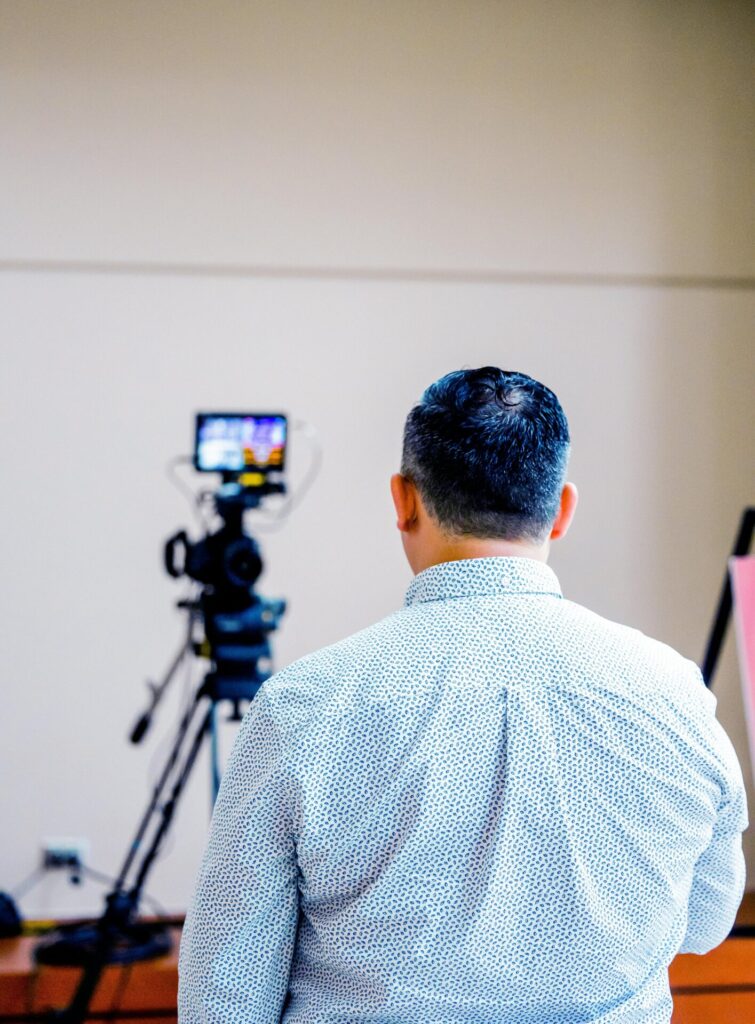
Upgrading your PC is often the more cost-effective and immediate way to improve your productivity. Unlike cameras, which tend to have longer innovation cycles and steep price tags, computer components can be selectively upgraded over time. Adding more RAM, switching to a faster SSD, or upgrading your GPU can yield dramatic performance gains without the need for a full system overhaul.
The CPU (Central Processing Unit) remains the cornerstone of editing performance. A strong multi-core processor ensures faster rendering, smoother timeline playback, and quicker exports. However, modern software increasingly leverages the GPU (Graphics Processing Unit) for tasks like color grading, effects, and encoding. Investing in a capable GPU—especially one optimized for your editing platform—can transform your workflow overnight. Programs like DaVinci Resolve thrive on GPU acceleration, making graphics cards one of the most impactful upgrades a video editor can make.
Storage speed also plays a crucial role. Solid-state drives (SSDs), particularly NVMe drives, significantly reduce loading times and allow for faster scrubbing through large video files. A well-optimized storage system—separating your OS, media cache, and project files—can make even a mid-range system perform like a high-end workstation. Many professionals underestimate how much time they lose to sluggish drives and fragmented workflows.
The other advantage of upgrading your PC is longevity and scalability. Unlike a camera, which becomes technologically obsolete as new sensors and formats appear, a computer can evolve incrementally. You can start with a strong base (like a good motherboard and power supply) and improve over time. For creators working with limited budgets, this modular approach offers flexibility and value.
However, upgrading your PC doesn’t just improve speed—it enhances creative freedom. A powerful system lets you experiment with effects, work with uncompressed footage, and push your grading further without fear of crashes or slowdowns. It allows you to stay in the creative flow longer and make real-time adjustments that inspire new ideas. When your hardware works seamlessly, your creativity can thrive unhindered.
If you find yourself spending more time waiting for progress bars than making progress, your next upgrade should be your computer. Cameras capture possibilities, but computers turn those possibilities into finished art.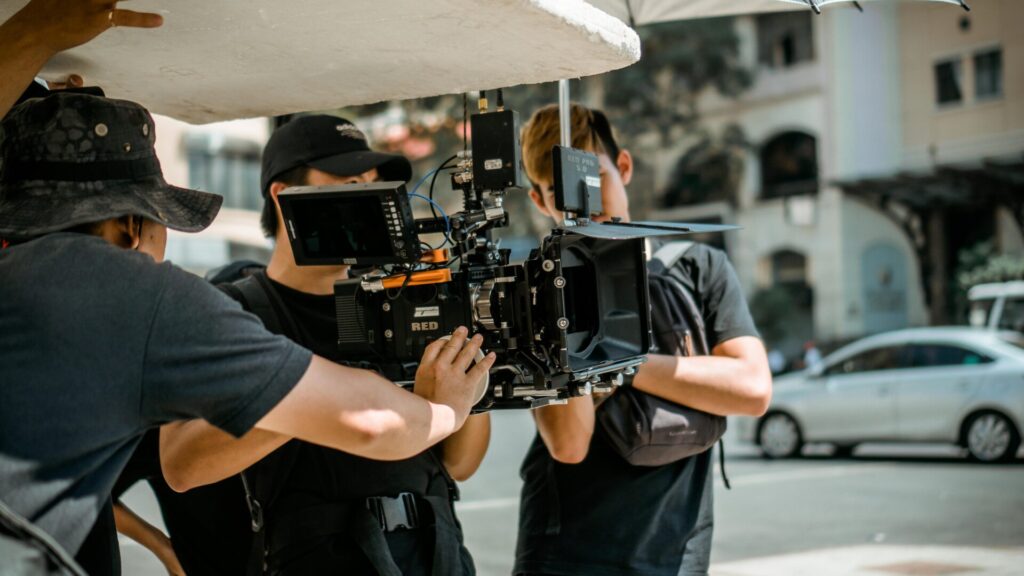
Conclusion
The debate between upgrading your PC or your camera isn’t really a battle—it’s a balancing act. Both tools are essential, and both evolve rapidly. A faster computer enhances workflow and creativity by removing technical obstacles, while a better camera elevates the raw material that defines your art. The key is to upgrade the part of your process that’s currently limiting your potential.
When your editing system can’t keep pace, prioritize computing power. When your images lack the depth and flexibility you need, prioritize capture quality. In either case, think of every upgrade as part of a long-term ecosystem, not a quick fix. The best creators don’t just buy gear—they build systems that empower creativity from start to finish.
In the end, technology is only a tool. The real power lies in how you use it. Whether you invest in a cutting-edge GPU or a new full-frame camera, the goal remains the same: to tell better stories, faster, and with more passion. The true upgrade is not in your hardware, but in your vision—and the tools you choose should serve that vision completely.